What is FTP and How Does It Work?
FTP is a long-standing protocol used to transfer files between systems. This article explains what FTP is, how it works, its advantages and drawbacks, security considerations, and common use cases such as website management and large file transfers.
خلاصه تخصصی مقاله
FTP is a long-standing protocol used to transfer files between systems. This article explains what FTP is, how it works, its advantages and drawbacks, security considerations, and common use cases such as website management and large file transfers.
موضوعات اصلی: FTP، server، files، File، data، connection
FTP, or File Transfer Protocol, is a standard method for transferring files between two systems over a network or the internet. When you use FTP, a client connects to a server to move files between them.
The main idea of FTP is to manage files remotely, without physical access to the server. You can upload, download, or modify files on the server. This is common in website management because site files reside on a server and are uploaded or edited via FTP.
FTP is one of the older Internet protocols that defines how a connection should be established, how user authentication works, and how data is transferred so systems can move files reliably. In simple terms, FTP is a shared language that lets computers transfer files from one device to another.
The FTP server is a system that provides access to and storage of files on a network or the internet. It operates on a client–server model; a user connects to the server using an FTP client and, by sending commands, can upload files, view directory listings, or download data. The server executes the commands and returns results. Typically two types of connections exist: a control connection for commands and a data connection for file transfers. Because of its ability to transfer large volumes of data, centralized file management and configurable user access, FTP servers are used in many organizations for file sharing and data backup and to facilitate data flow in networks.
How FTP Works
FTP works by establishing a connection between a client and a server. The client is the computer that wants to send or receive files; the server stores the files. The connection is established when the client connects to the FTP server and usually authenticates with a username and password. After authentication the connection is established and the client can access files and directories on the server.
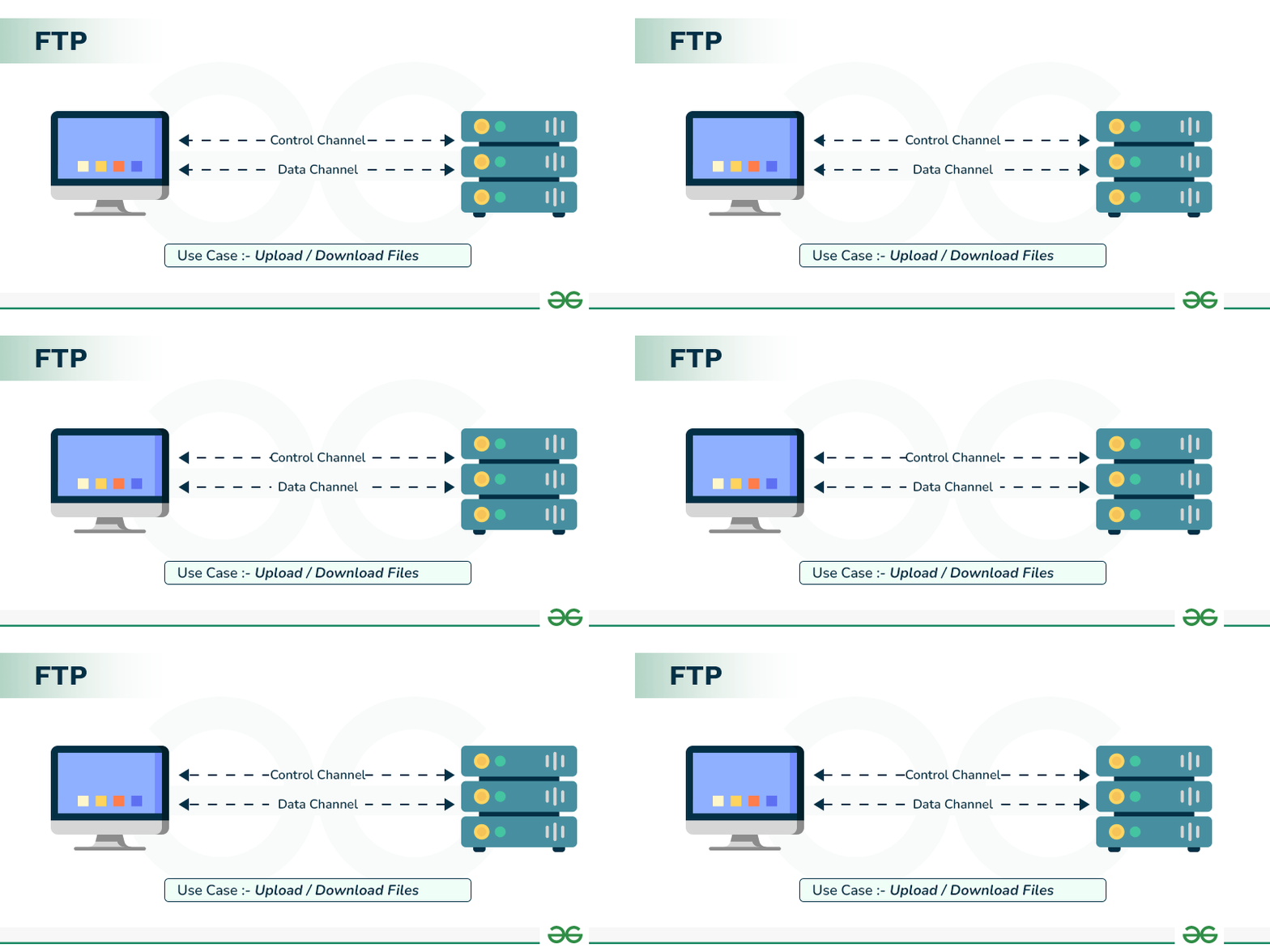
FTP typically uses two types of connections: a control connection for commands and a data connection for transferring files. This separation allows orderly command handling and data transfer.
When a user wants to download a file, the client requests it over the control connection. The server, after receiving the request, creates a data connection and sends the file over it. For uploads the process is reversed: the client sends a request to transfer the file and the data connection carries the file to the server.
Thus FTP, using this connection model and a set of standard commands, enables file management and transfer between two systems.
Advantages and Disadvantages of FTP
FTP's main advantage is that it standardizes and simplifies file transfer between systems. It's supported on almost all operating systems and servers, with many tools available to work with it. It's useful for transferring large volumes of files or managing files on a server and for remote file management; you can upload or download files and create or delete directories without physical access. Transfer speeds are usually good, especially for large files.
On the downside, security is a major issue. In standard FTP, usernames, passwords, and even the files themselves are transmitted in plain text. If someone can monitor network traffic, they may access these credentials. Also configuring FTP in some networks can be complex due to multiple connections and firewall considerations. Therefore, modern deployments often use more secure variants like SFTP or FTPS that encrypt data.
Is FTP Considered a Secure File Transfer Protocol?
No, FTP by default is not considered secure. In standard FTP, information such as usernames, passwords, and even files are transmitted in plain text. This is why public networks are risky for FTP.
To address this, more secure variants like FTPS (which uses SSL/TLS) or SFTP (which runs over SSH) exist.
So FTP itself is not secure, but in practice secure variants are used for file transfers.
- Read more: What is network security and why it matters?
FTP Applications
To connect to an FTP server, you use an FTP client. Programs such as FileZilla, WinSCP, and Cyberduck are popular tools for managing and transferring files via FTP.
How to Set Up an FTP Server
To set up an FTP server you can use server software or services such as IIS in Windows or applications such as FileZilla Server. After installation, you need to configure shared directories, users, and access permissions.
Ports Used by FTP
FTP typically uses port 21 for control connections. Some configurations also use other ports for data transfer, depending on the type of connection.
Can FTP Be Used for Large File Transfers?
Yes, FTP is well-suited for transferring large amounts of data. It was designed for bulk data transfer and is used in many networks for large file transfers.
To assess the reliability, security and maintenance of this infrastructure, consult the network support guide.
برای ارزیابی پایداری، امنیت و نگهداری این زیرساخت، راهنمای پشتیبانی شبکه را نیز مطالعه کنید.