UniFi Access Point Buying Guide: Key Selection Criteria
This guide reviews essential criteria for choosing a UniFi access point and highlights practical tips and representative models to help you make a confident, well‑informed decision.
خلاصه تخصصی مقاله
This guide reviews essential criteria for choosing a UniFi access point and highlights practical tips and representative models to help you make a confident, well‑informed decision.
موضوعات اصلی: پشتیبانی شبکه، امنیت شبکه، مناسب، UniFi، شبکه، مدلهای
Home and organizational users seek a solution that improves connection quality, speed, and coverage. UniFi access points are among the well‑known choices in network equipment. This guide reviews the essential criteria for buying a UniFi access point and highlights practical tips and models to consider, helping you make a confident decision.
Key factors in choosing a UniFi access point
Choosing an access point is not only about the brand. Here are the key factors to evaluate when assessing a UniFi model.
Network requirements
First, define your network needs: required coverage, the number of concurrent users, and the desired speed. Some networks are enough for basic office tasks like email and web browsing, while others support high‑quality video streaming and large file transfers or video conferences. In such cases, look for a high‑capacity Wi‑Fi access point with strong data throughput.
Coverage and signal strength
Consider the wireless range and antenna performance relative to the space. In indoor environments walls and obstacles can attenuate signals, so choose a model with adequate reach and approaches to minimize dead zones. Some UniFi models have strong internal or external antennas offering broader coverage. For outdoor spaces, consider weather‑resistant or outdoor‑specific models.
Speed and Wi‑Fi standards
Standards like 802.11ac (Wi‑Fi 5) and 802.11ax (Wi‑Fi 6) affect final throughput. If planning to adopt latest wireless tech, pick models supporting Wi‑Fi 6. Higher efficiency in dense user environments comes from MU‑MIMO and multiple bands (2.4 GHz and 5 GHz). Actual speeds depend on antennas and technologies; evaluate specs carefully.
Network port
Most modern access points have gigabit Ethernet ports. Some offer multiple LAN ports to connect several devices. Gigabit ports are a practical advantage.
PoE capability
Power over Ethernet enables powering the device via the same Ethernet cable. UniFi devices typically support PoE, simplifying installation where a power outlet is not available. If using a PoE switch, ensure compatibility with standards such as 802.3af or 802.3at.
Security
Wireless security is a priority. The access point should support secure encryption methods and robust protections like WPA2 or WPA3. Some UniFi models include advanced security features such as VLANs and guest network to segment user access and enhance overall security.
Cloud management
Remote or cloud management is another attractive capability. It allows configuring and monitoring devices without on-site visits. Some models offer controller software or cloud panels for configuration, traffic visualization, and firmware updates. Centralized management can reduce operational costs and speed up issue response.
Upgradeability and flexibility
Choose an access point that can be expanded with more units and supports mesh deployment. Some models have modular antennas or upgradeable components.
Price
Price plays a role. Higher upfront cost may be justified by build quality, software support, and long‑term upgrades. Cheaper options might incur higher maintenance costs later.
Overview of UniFi models
Below are a few UniFi models suitable for different project scales and needs.
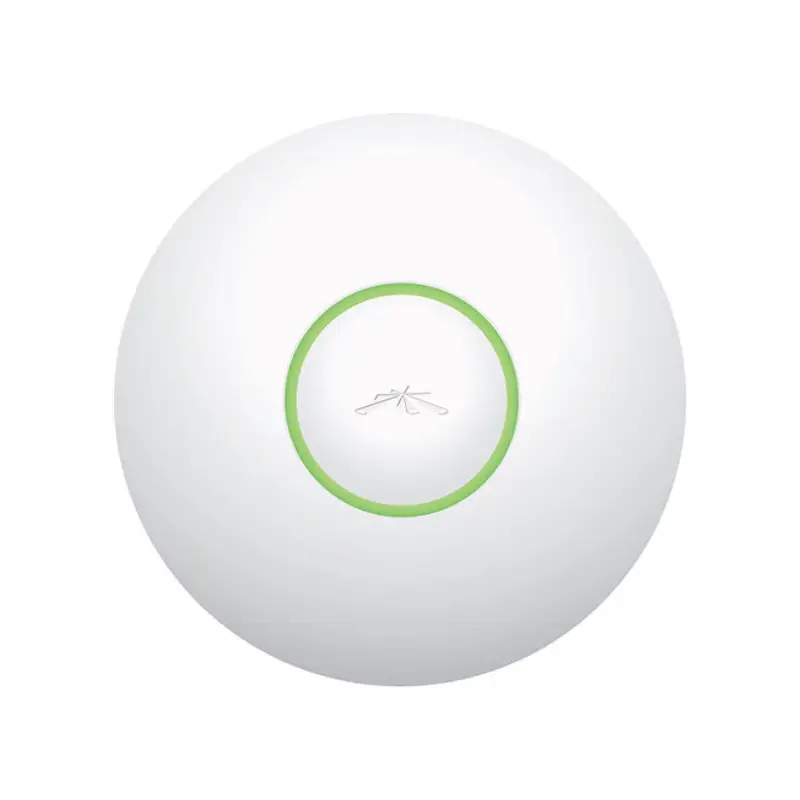
- UniFi U6-LR
- UniFi AP AC Pro
- UniFi UAP-AC-Mesh
Comparing UniFi with other brands
The network equipment market includes several brands. UniFi often stands out for the following reasons:
- Build quality and performance, with stable design and solid support.
- Advanced, user-friendly interface for centralized management.
- Efficient wireless signals with beamforming and suitable antennas.
- Value for money compared to some premium brands.
Important buying tips
To ensure a sound choice, consider technical and experiential factors.
Technical features
Key specs include antenna strength, supported bands, presence of MU‑MIMO, concurrent user capacity, and real‑world throughput. If future expansion is planned, select a model with higher capacity.
Fit for specific needs
Network needs vary by home, office, commercial, or industrial use. For example, a small café or university might not require a high‑capacity outdoor model, while a hotel or campus may demand a high‑capacity indoor/outdoor model.
User reviews
Reading feedback can clarify strengths and weaknesses of a model.
Warranty and after-sales
Reliable warranty and access to support matter. Finding a reputable reseller can help resolve issues efficiently.
Conclusion
This guide reviews key criteria for buying a UniFi access point and highlights suitable models for different needs. Make decisions based on space, user count, and future network requirements. Cloud management and upgradeability are important considerations.
For evaluating stability and security of the underlying network, consult the network support guide as well.
برای ارزیابی پایداری، امنیت و نگهداری این زیرساخت، راهنمای پشتیبانی شبکه را نیز مطالعه کنید.