What is phishing and how can these attacks be identified?
Phishing is a common cyber attack that directly threatens personal information security. This article explains what phishing is and how to identify and prevent these attacks.
خلاصه تخصصی مقاله
Phishing is a common cyber attack that directly threatens personal information security. This article explains what phishing is and how to identify and prevent these attacks.
موضوعات اصلی: Phishing، information، sensitive، security، can، legitimate
Phishing is one of the most common cyber attacks that directly threatens the security of personal information. This article explains what phishing is and how to identify and prevent these attacks.
Common phishing methods
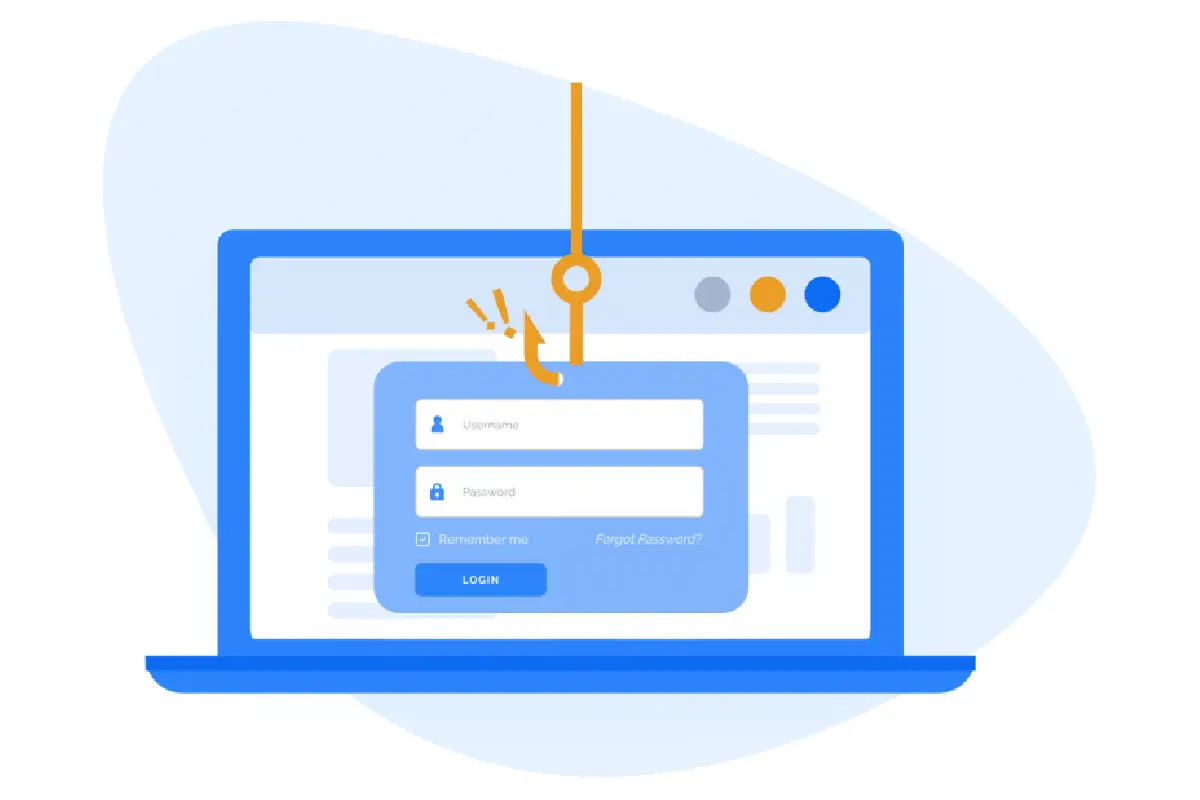
Phishing means stealing sensitive information from users through fake websites or emails. Attackers pose as legitimate organizations or individuals to trick victims. There are various methods for executing phishing campaigns, with some of the most common shown below:
- Email phishing In this method, the attacker sends an email to the victim that appears to be from a legitimate organization such as a bank, utility provider or government agency. These emails typically contain malicious links or requests to enter sensitive information.
- Phone phishing or vishing In this type, the attacker pretends to be a customer service representative or technical support and asks the victim to disclose personal information.
- SMS phishing or smishing The attacker uses text messages to send fake links or requests for sensitive information.
- Web-based phishing attacks The attacker creates a fake website that resembles a legitimate site and asks the user to enter sensitive information.
Targeting: The primary goal is to steal sensitive information such as usernames, passwords, credit card numbers, banking details, and identity information. With this information, attackers can access online accounts, steal identities, or perform fraudulent transactions.
One of the biggest risks is bank account information theft, which can lead to unauthorized access to personal or organizational financial accounts. This threat can cause financial losses and online security compromises. Therefore, identifying phishing and knowing prevention strategies is essential.
How to identify phishing attacks
Phishing attacks are increasingly sophisticated and hidden. However, there are signs to help you identify them:
Email phishing
Email phishing is a common method where attackers use seemingly legitimate emails to trick users into revealing sensitive information. These emails may threaten or entice with messages such as “Your account is locked” or “We need to verify your information.” They often direct victims to fake websites that resemble legitimate ones. If the email looks professional, it can be easy to fall for it. Therefore awareness of phishing cues in emails is essential.
Vishing
Vishing, or voice phishing, is where the attacker calls andpretends to be a customer service representative or technical support. Avoid giving sensitive information over the phone to unknown individuals; contact the organization directly to verify authenticity.
Smishing
Smishing uses SMS to lure victims with fake links or requests for sensitive information. Do not respond to unknown messages or share sensitive information via SMS.
Web-based phishing
Fake websites designed to closely resemble legitimate sites ask users to enter credentials or financial information. Always verify the site URL and ensure its legitimacy.
How to prevent phishing
Preventive measures include:
- Use strong antivirus software and keep devices updated to protect against phishing malware.
- Enable two-factor authentication for important accounts
- Increase security awareness through training on common threats
- Avoid entering sensitive information on fake websites by verifying the site and URL
- Identify suspicious links and avoid clicking unknown URLs
What should I do if I become a phishing victim?
Change your password
Change passwords for online accounts, use unique passwords for each account, and ensure they are strong.
Lock the account
If there is unauthorized access to a bank or other sensitive account, contact the provider to block the account and stop suspicious activities.
Recover stolen information
Report identity theft to authorities and consider identity protection services for monitoring.
Clean the system
If the system is infected with phishing malware, use security tools to clean it and update software; in some cases, resetting or reinstalling the OS may be necessary.
Risks and threats of phishing for individuals and organizations
Phishing can lead to leakage of sensitive information, financial losses, and loss of trust. For organizations, these attacks can result in customer and employee data exposure and operational disruptions. Regular backups and network monitoring help mitigate these risks.
Frequently asked questions
1. Who is targeted by phishing?
Individuals and organizations that use the internet regularly and may have limited security awareness are targets; executives and financial professionals are at higher risk.
2. Is phishing only via email?
No. Phishing can occur via email, SMS (smishing), voice calls (vishing), and social networks.
3. What is the difference between phishing and spear phishing?
Spear phishing targets a specific person or organization, while general phishing messages are sent to many people and may be less personalized.
By following security best practices and staying informed about phishing risks, you can protect your personal information and improve your online security.
Maintenance and resilience
Regular updates and ongoing security training are important for the resilience and maintenance of infrastructure.
برای ارزیابی پایداری، امنیت و نگهداری این زیرساخت، راهنمای پشتیبانی شبکه را نیز مطالعه کنید.