A Step-by-Step Guide to Protecting Your Network Against DDoS Attacks
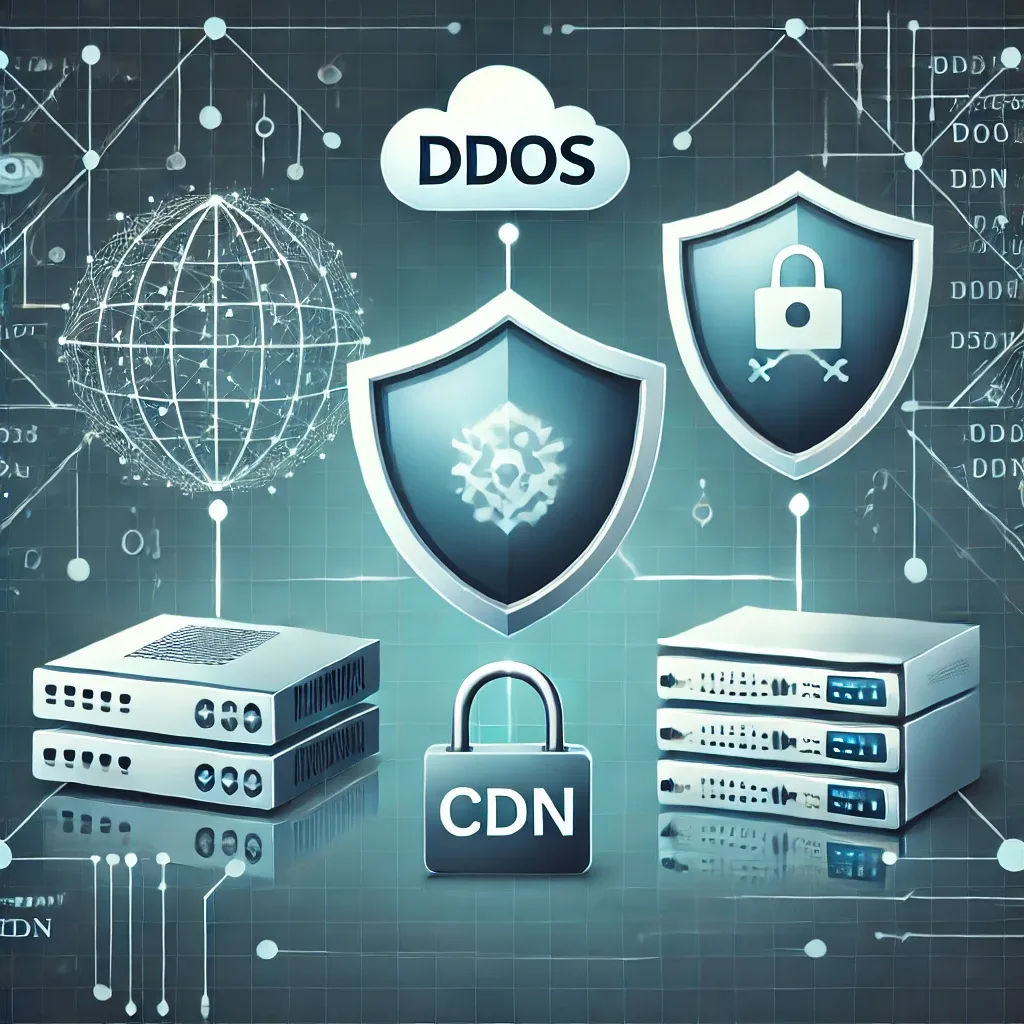
DDoS attacks aim to exhaust network resources and disrupt service. Early signs include significant slowdowns, sudden traffic spikes, and loss of access to core services. This guide outlines detection and mitigation strategies with a focus on monitoring tools, advanced firewalls, and CDN services.
خلاصه تخصصی مقاله
DDoS attacks aim to exhaust network resources and disrupt service. Early signs include significant slowdowns, sudden traffic spikes, and loss of access to core services. This guide outlines detection and mitigation strategies with a focus on monitoring tools, advanced firewalls, and CDN services.
موضوعات اصلی: پشتیبانی شبکه، امنیت شبکه، مانیتورینگ شبکه، فایروال، شبکه، ترافیک
Identifying DDoS Attacks
DDoS attacks are carried out to exhaust network resources and disrupt service. Early signs include significant slowdowns, sudden traffic spikes, and inaccessibility of core services. To identify these attacks, you should use network monitoring tools and watch for unusual traffic patterns. Tools such as advanced firewalls and intrusion detection systems can help identify and block malicious traffic. Continuous monitoring and traffic reporting help quickly detect DDoS and maintain network security.
According to security reports published in Q2 2025, DDoS attacks on the application layer have risen by 74 percent. Also, the number of attacks exceeding 1 Gbps increased by 43 percent year over year. During the same period, one of the largest botnets identified, with more than 4.6 million infected devices, was named as a driver of widespread attacks on critical network infrastructure. These figures indicate that DDoS attacks have not only become more complex but also larger in scale and more organized.
Ways to Mitigate DDoS Attacks
Increase bandwidth capacity
Increasing bandwidth is an effective way to mitigate DDoS. By increasing bandwidth, your network can handle larger volumes of traffic and the risk of resource saturation is reduced.
Example
Suppose an online service provider with 100 Mbps bandwidth is facing a DDoS attack. If the attack traffic reaches 150 Mbps, the network will saturate. But by increasing bandwidth to 500 Mbps, the provider can manage the attack and continue service.
To increase bandwidth, contact your Internet service provider and select a plan with higher bandwidth. Also, using multiple Internet links and distributing traffic across them can help raise overall capacity.
Use advanced firewalls
Advanced firewalls play a critical role in protecting the network against DDoS by analyzing inbound and outbound traffic to detect and block malicious traffic. Key features include filtering traffic by IP addresses, ports, and protocols, detecting unusual traffic patterns, and using machine learning algorithms to improve detection accuracy.
Practical steps
- Choose the right firewall Select a firewall with advanced capabilities suited to your network needs.
- Configure the firewall Set up appropriate rules and filters for network traffic.
- Continuous monitoring Continuously monitor firewall performance and adjust configurations as needed.
- Regular updates Keep firewalls updated to leverage the latest protections.
Use CDN services
CDNs distribute web traffic across multiple servers worldwide. With a CDN, malicious traffic from a single region cannot easily saturate your site's resources, as traffic is balanced across multiple servers.
Router and switch configuration
Proper router and switch configuration plays an important role in defending against DDoS. Here are some key configurations to strengthen network security.
Initial configurations
- Update software Ensure routers and switches firmware and OS are up to date.
- Use strong passwords Set strong passwords and rotate them regularly.
Traffic filtering
- ACLs Create ACLs to restrict inbound and outbound traffic based on IP, protocol, and port.
- IP filtering Block suspicious or known malicious IPs.
Bandwidth management
- QoS Configure QoS to prioritize important traffic and limit bandwidth for nonessential traffic.
- Rate limiting Apply rate limits to control the number of packets from a given source.
Monitoring and reporting
- Continuous monitoring Use monitoring tools to observe network traffic and identify anomalies.
- Intrusion Detection Systems Implement IDS to detect and report potential attacks.
VPN deployment
- Establish secure tunnels Use VPNs to encrypt traffic and create secure communication between networks.
Proper router and switch configuration helps increase network security and resilience against DDoS.
Continuous network traffic monitoring
Continuous monitoring of network traffic is critical for detecting and responding to DDoS. It helps identify unusual activity quickly and take action to prevent attacks. This is a core responsibility of network security operations. The following practical methods describe how to monitor network traffic.
Using monitoring tools
- Network Management Systems Use NMS tools such as SolarWinds, PRTG, and Nagios to monitor performance and health.
- SIEM Implement SIEM to collect, analyze, and report security events in the network.
Network traffic analysis
- NetFlow and sFlow Use NetFlow and sFlow to collect and analyze network traffic data.
- Real-time traffic analysis Use tools like Wireshark to analyze packets in real time and identify potential issues.
Alerting and reporting systems
- Configure alerts Set up alerts to notify the network security team of abnormal activity.
- Regular reporting Generate routine reports on traffic status and analyze them for suspicious patterns.
Ongoing updates and optimization
- Review and update settings Periodically review monitoring configurations and update them to reflect network needs.
- Training and awareness Educate the network security team to use monitoring tools effectively and detect threats quickly.
Global real-world DDoS incidents
Examining real-world DDoS incidents helps understand how these attacks are executed, the damage they cause, and why protecting network infrastructure is vital. The following are two of the most significant and widespread incidents.
1. DDoS attack on Dyn DNS (October 2016)
Attack description: In October 2016, one of the largest DDoS incidents in history targeted the Dyn DNS infrastructure, disrupting access to sites like Twitter, Reddit, Netflix, PayPal, Amazon, and Spotify across the United States.
How it was carried out: The attack was carried out by the Mirai botnet, leveraging hundreds of thousands of IoT devices such as surveillance cameras and compromised modems. Devices were controlled using default passwords and security vulnerabilities, generating millions of requests to Dyn's servers.
Impact: DNS service disruption for several hours; inaccessibility of many popular sites; serious warning about IoT device insecurity.
2. DDoS attack on Microsoft Azure and Outlook infrastructure (July 2024)
Attack description: In July 2024, Microsoft reported that the Azure and Outlook cloud infrastructure faced a broad DDoS attack causing widespread service disruption worldwide.
How it was carried out: The attack was multi-vector and particularly targeted Layer 7 (Application Layer). By simulating legitimate user requests, it exerted high pressure on Microsoft servers, and traditional defense systems struggled to detect and counter effectively.
Impact: User access disruption to Outlook and online Office services; pressure on cloud security teams to bolster infrastructure; increased awareness of Layer 7 attacks and need for smarter protections.
FAQ
1. What is a DDoS attack?
Answer A DDoS attack is an attempt to disrupt the service of a server or network by flooding it with a large amount of malicious traffic from multiple sources.
2. How can we detect DDoS attacks?
Answer By using network monitoring tools and identifying anomalous patterns in traffic.
3. How do advanced firewalls help defend against DDoS?
Answer Advanced firewalls filter out malicious traffic and block suspicious IP addresses to prevent attacks.
4. How can we identify DDoS attacks?
Answer Indicators include significant slowdowns, sudden traffic spikes, and inaccessibility of services. Using network monitoring tools also helps.
برای ارزیابی پایداری، امنیت و نگهداری این زیرساخت، راهنمای پشتیبانی شبکه را نیز مطالعه کنید.